Are you already connected to the Peppol network through another software package and do you want to switch to Sage Cloud Demat Invoicing? Or do you want to leave Sage Cloud Demat Invoicing instead? In this article you can read how to switch in both directions and what to look out for.
You can only be registered on Peppol with one software package at a time for receiving invoices. Your VAT number or company registration number remains your Peppol Endpoint ID, but that ID can only be linked to one provider (access point).
⚠️ Please note: a duplicate or leftover registration means invoices will not arrive where you expect them. Therefore, always cancel your old registration first before requesting a new one.
Contact your current software vendor or Peppol provider and ask them to cancel your existing registration. This does not happen automatically: as long as your old registration is active, you cannot submit a new request. Sage Cloud Demat Invoicing will also notify you if it turns out your company is already registered through another software vendor.
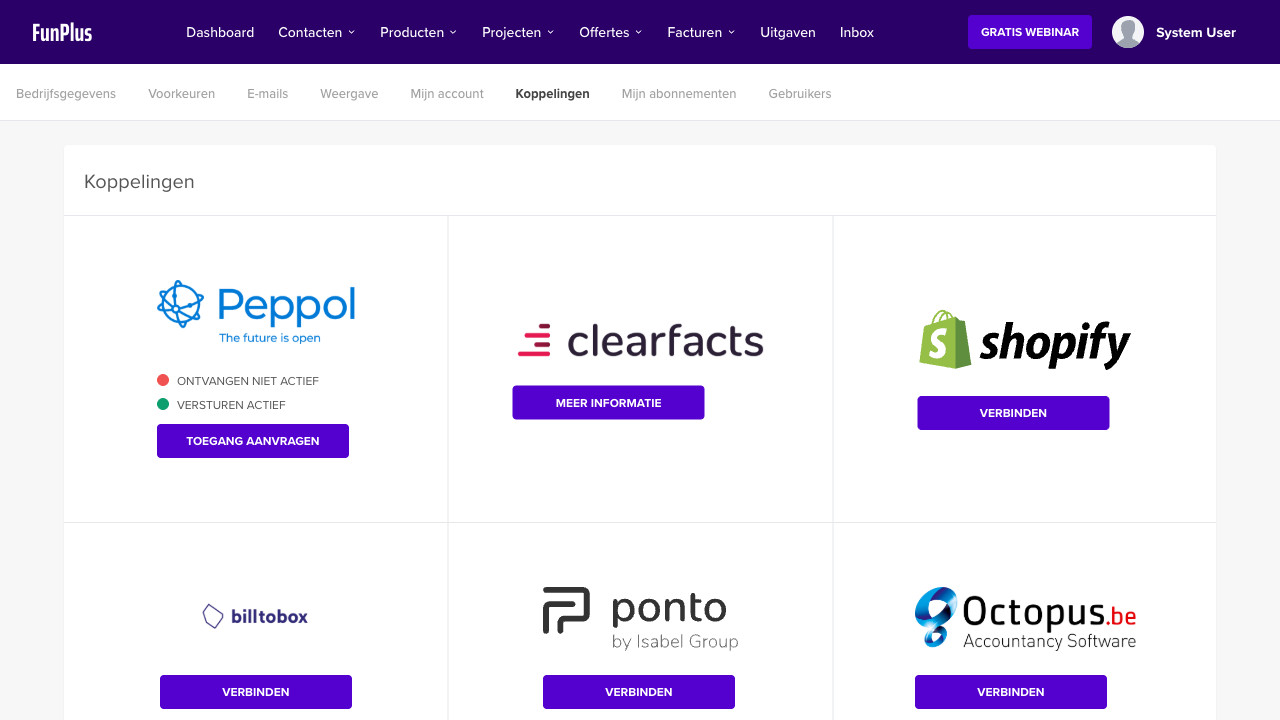
Sage Cloud Demat Invoicing works with Peppol provider Routty (Dynatos) for this.
Your request is handled by the Peppol provider. This usually takes no more than two business days. You don’t need to do anything: we will keep you informed of the status via email. Once your request has been approved, you can send and/or receive Peppol invoices in Sage Cloud Demat Invoicing.
Want to know more about the request itself? Read How do I connect to the Peppol network?
Do you want to end your Peppol registration with Sage Cloud Demat Invoicing, for example because you are switching to another package? Then deregister first:
After your request, you will receive a confirmation email once the deregistration has been processed. After that, you can register with your new provider.
Keep these conditions in mind:
Some new providers also handle the takeover of your registration for you. Ask your new vendor about this.
Your old registration is still active. Contact your previous software vendor to cancel it and then submit your request again.
During a switch, routing can temporarily go wrong. Contact help@clouddematinvoicing.be and include your VAT number; we will check where your registration is.
Need help with switching? Contact our support team at help@clouddematinvoicing.be. Include your VAT number and the name of your current Peppol provider or software package.
