Downloading the Pocket Companion and logging in
With the Pocket Companion you can check your invoices, quotes, clients and projects on the go, track your time and add expenses, straight from your smartphone.
Step 1: Download the app
Download Pocket Companion for free from the App Store (iPhone) or Google Play (Android):
- Search for Pocket Companion in the App Store or Google Play, or
- Open the web version on your computer and click the download buttons on the dashboard (the Mobile app card) or via your name in the top right corner → Mobile app.
Step 2: Log in with your credentials
- Open the app.
- Enter your email address and password: the same ones you use for the web version.
- Tap Log in.
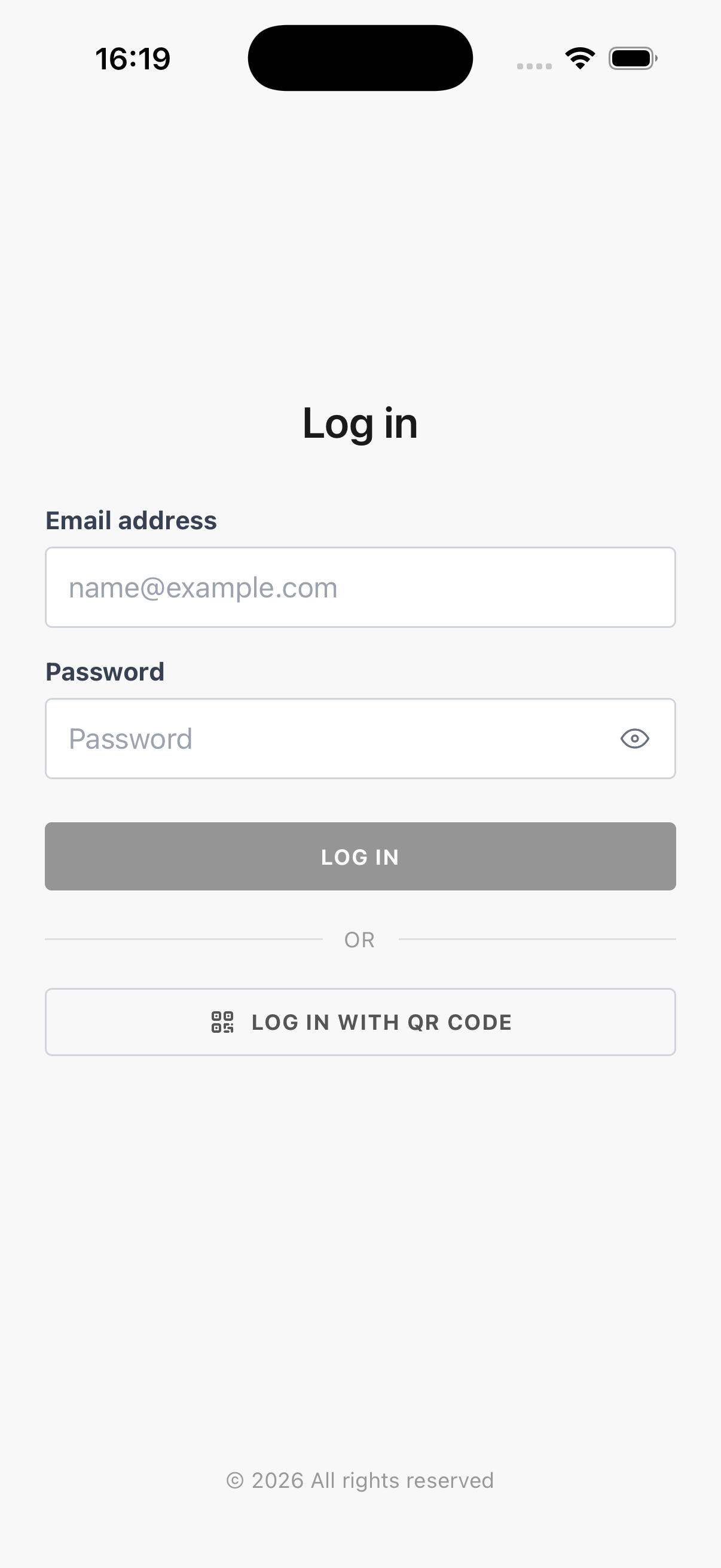
💡 Prefer to skip the password? You can also log in by scanning a QR code. See Logging in with a QR code.
Multiple environments or companies
- Does your account exist in multiple environments? Then you choose which environment to use after logging in.
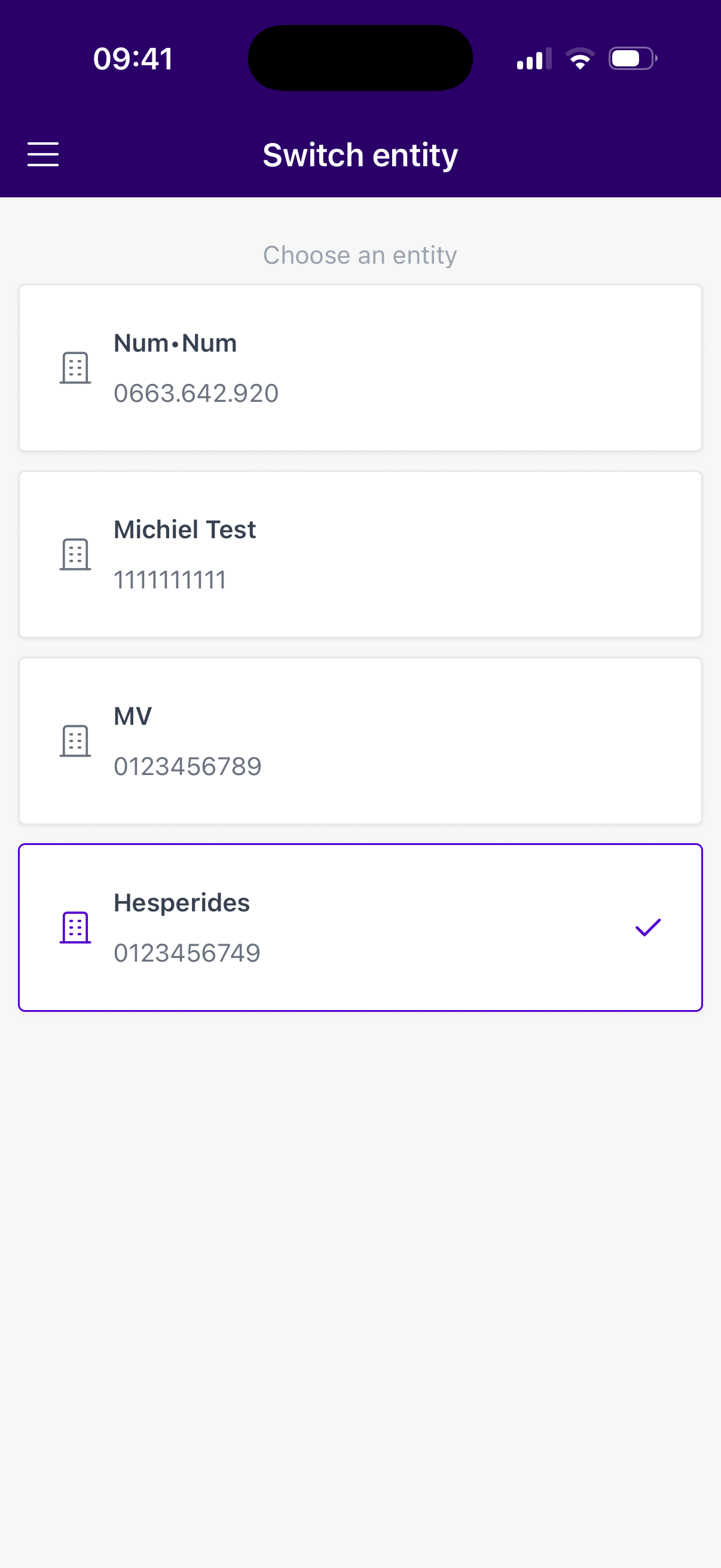
- Do you have access to multiple companies? Then pick the right company in the overview. You can always switch later via the menu.
Changing the language
The app automatically follows your device language (English, Dutch, French or German). You can change the language via Settings in the menu, without logging out.