Projects and time tracking in the app
With Pocket Companion you manage your projects and track the time you work. Ideal for logging what you’re working on, right where you are.
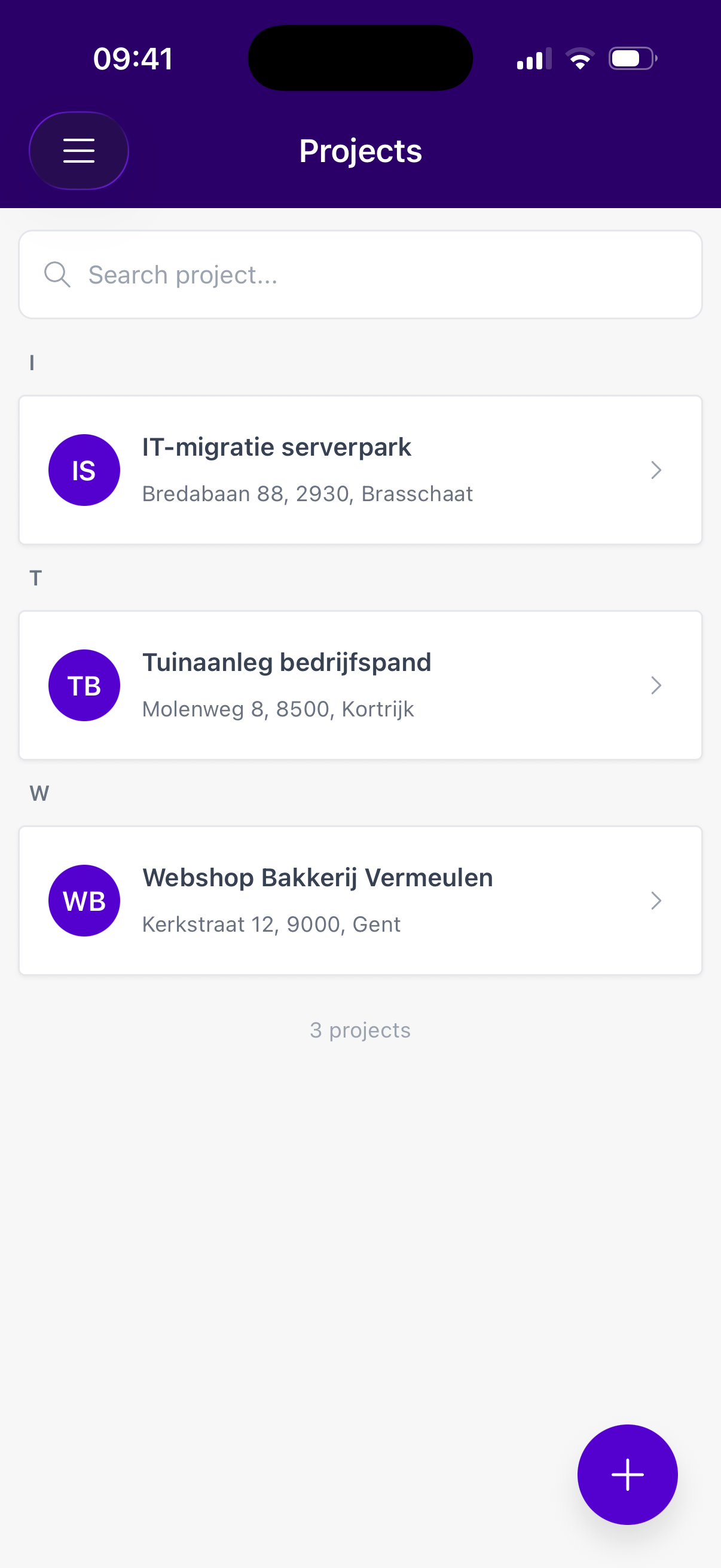
Creating a project
- Go to Projects in the menu.
- Tap the + button (bottom right).
- Fill in the details: title, client, start date, optionally team members and a note.
- Save.
Tracking your time
- Open a project and go to Registrations.
- Start the timer when you begin working, and stop it when you’re done.
- Prefer to log afterwards? Add a time registration manually.
- You can also add product registrations (materials used).
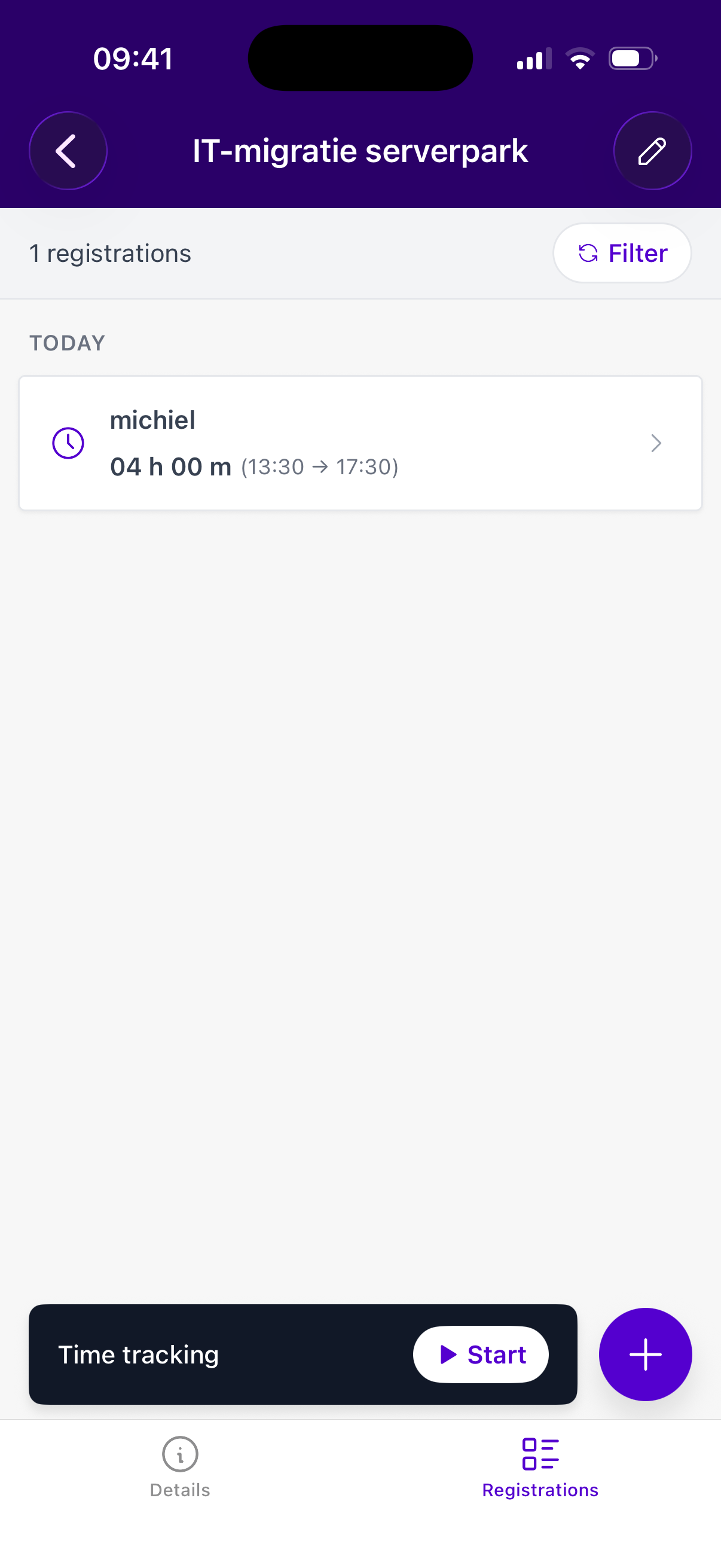
⏱️ Running timer: an active timer stays visible in the menu, even when you switch to another module. If you start a timer on another project, the app asks you to confirm.
All registrations are collected automatically under the project, so you can invoice smoothly from the web version afterwards.
