Sage Cloud Demat Invoicing offers integrations with various external systems, including CRM systems like Salesforce.
Connect with Salesforce to synchronise customer data.
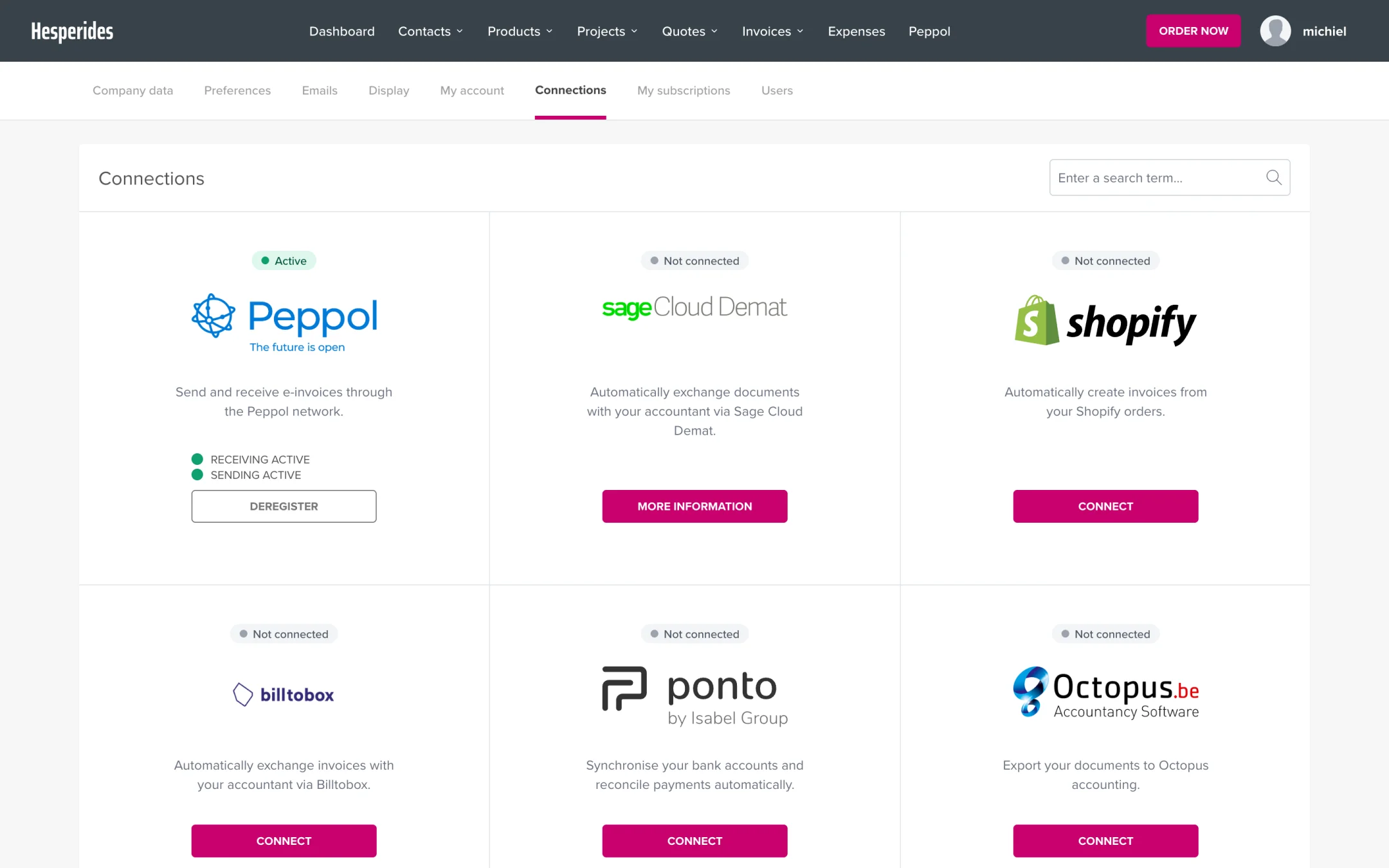
In addition to Salesforce, integrations are also available with:
Shopify - Synchronise orders and customers
BillToBox - Digital document processing
Unpaid - Automatic payment reminders
For other systems you can use the API:
💡 Tip: Contact our support team if you need help setting up a custom integration.
