First steps
Follow this checklist to set up the platform correctly.
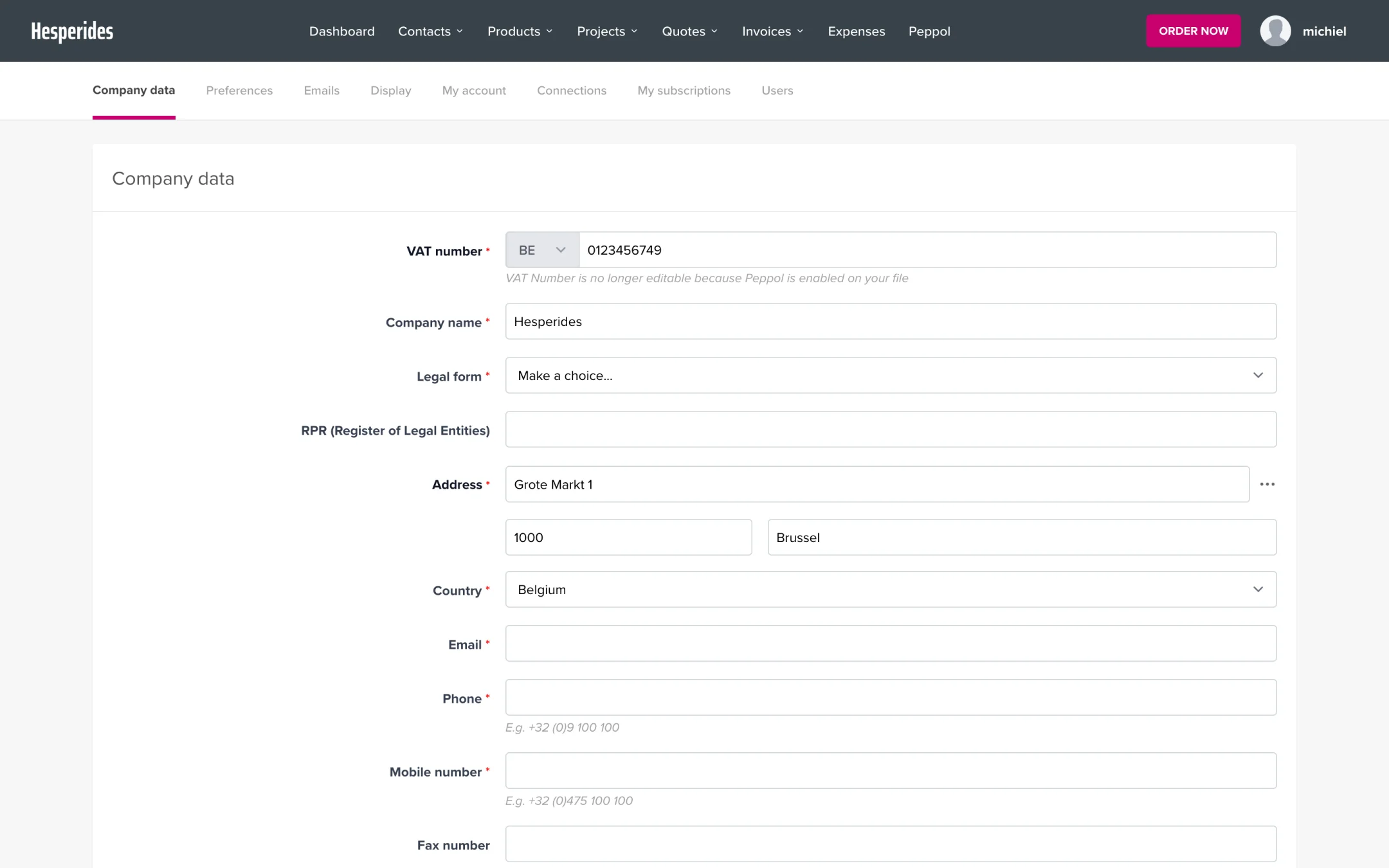
1. Fill in company details
- Go to Company data
- Fill in your company name, address, VAT number, and contact details
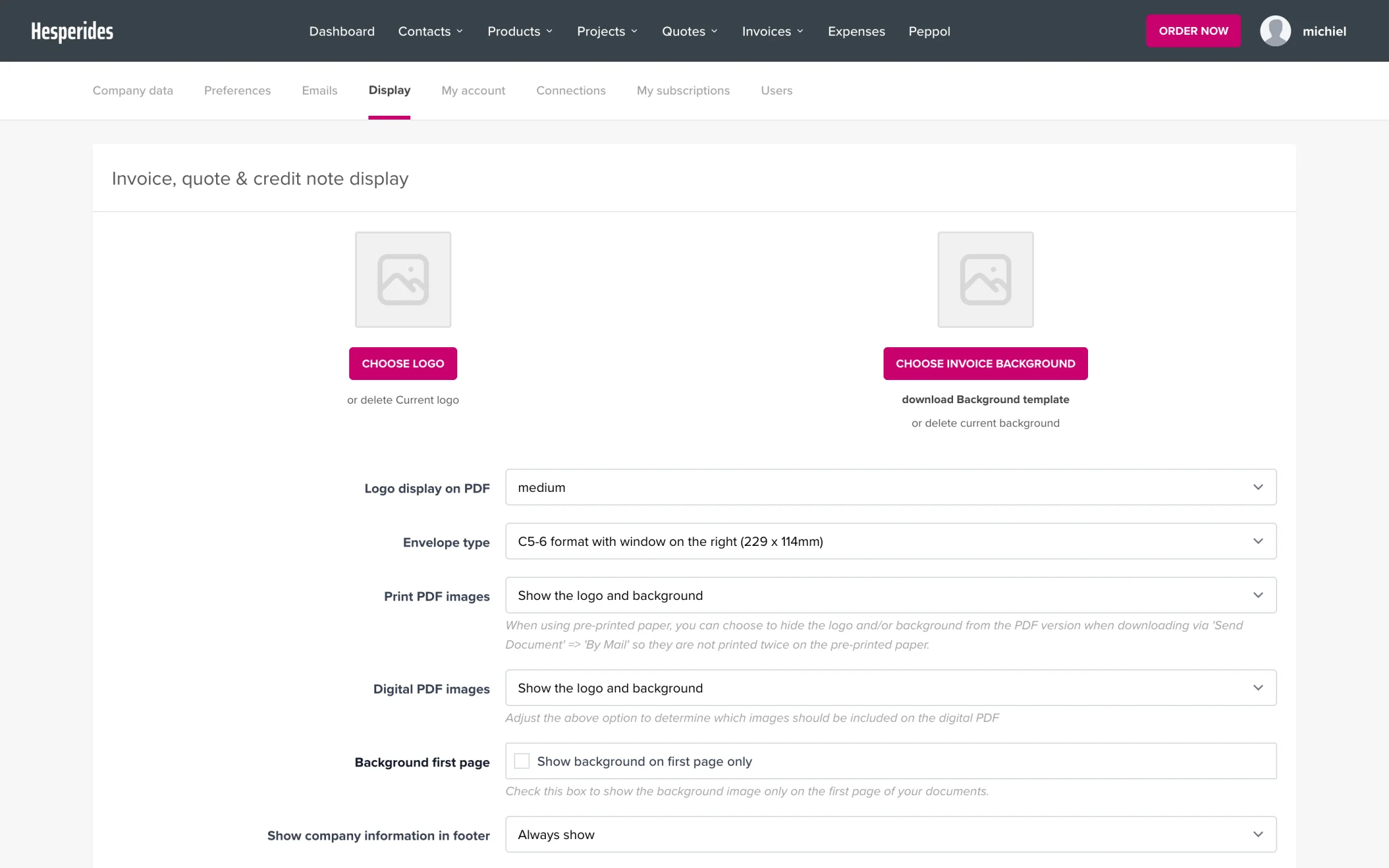
- Go to Preferences
- Set your starting number and payment terms
- Then go to Display to choose your invoice template and logo
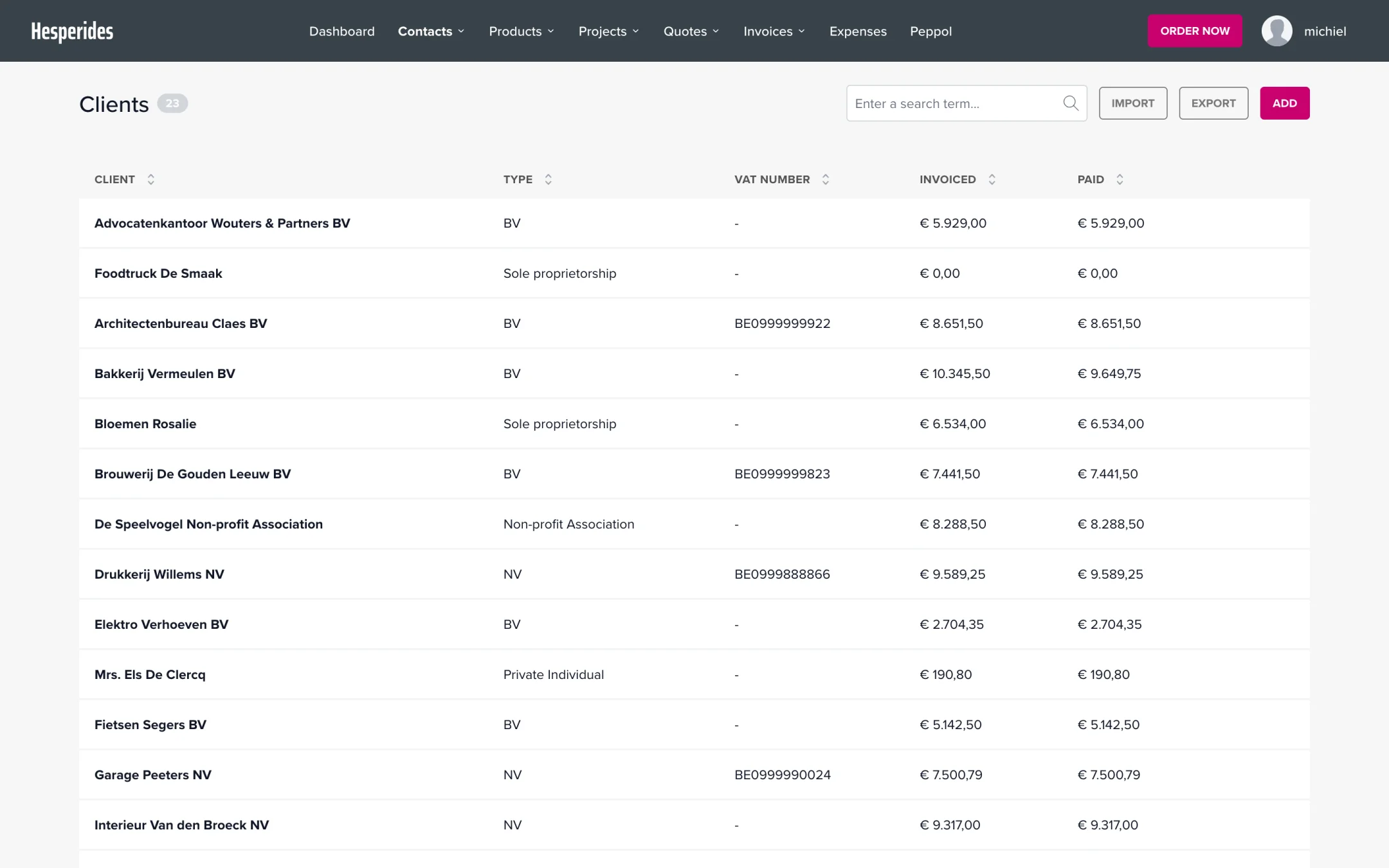
3. Add your first customers
- Go to Contacts → Clients
- Click on New customer
- Fill in the name, email address, address, and VAT number
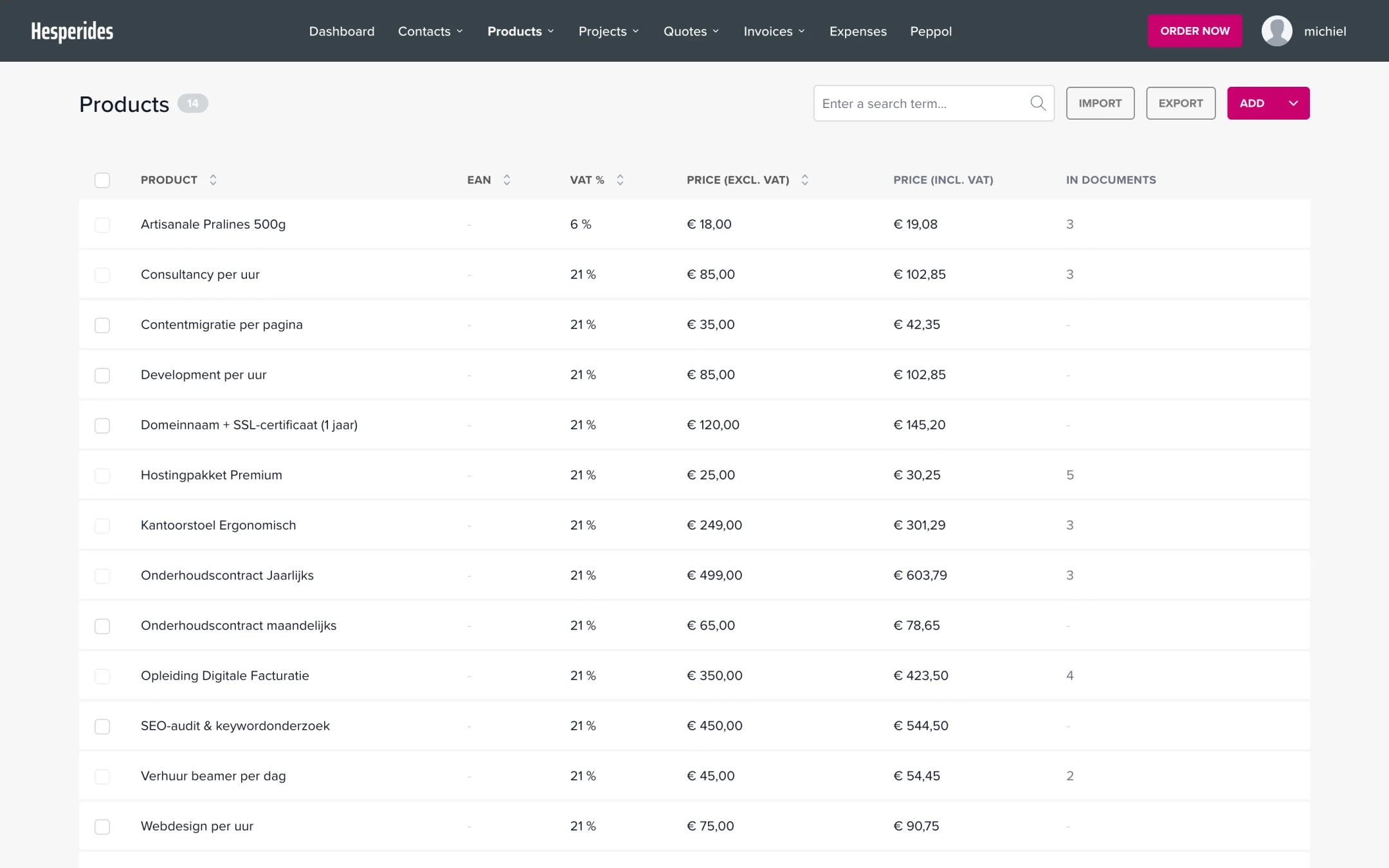
4. Create products (optional)
- Go to Products
- Create your most sold items with name, price, and VAT rate
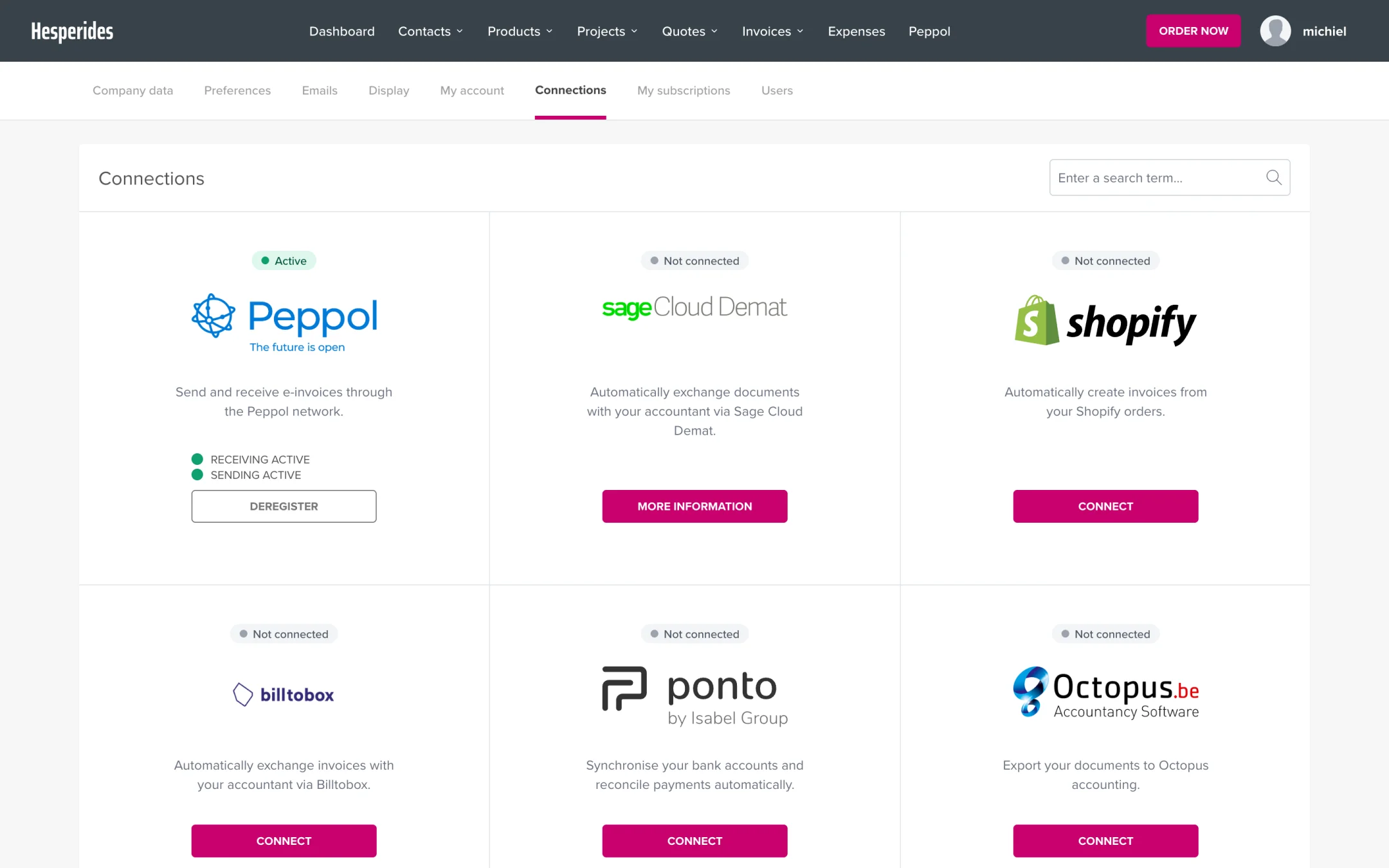
5. Activate Peppol (optional)
- Go to Connections > Peppol
- Activate your Peppol endpoint
💡 Tip: Contact help@clouddematinvoicing.be if you need help with the setup.
