Your data is stored safely in the cloud and remains available in your account. Would you like to keep your own copy of your data as well, for example for your own archive or for your accountant? Then use the export features of Sage Cloud Demat Invoicing.
As a business owner, you are legally required to retain your invoices and accounting documents: in Belgium, a retention period of 10 years applies (art. 60 of the Belgian VAT Code). With your own export, you always have a copy at hand, even offline.
You can export your documents in bulk as a zip file:
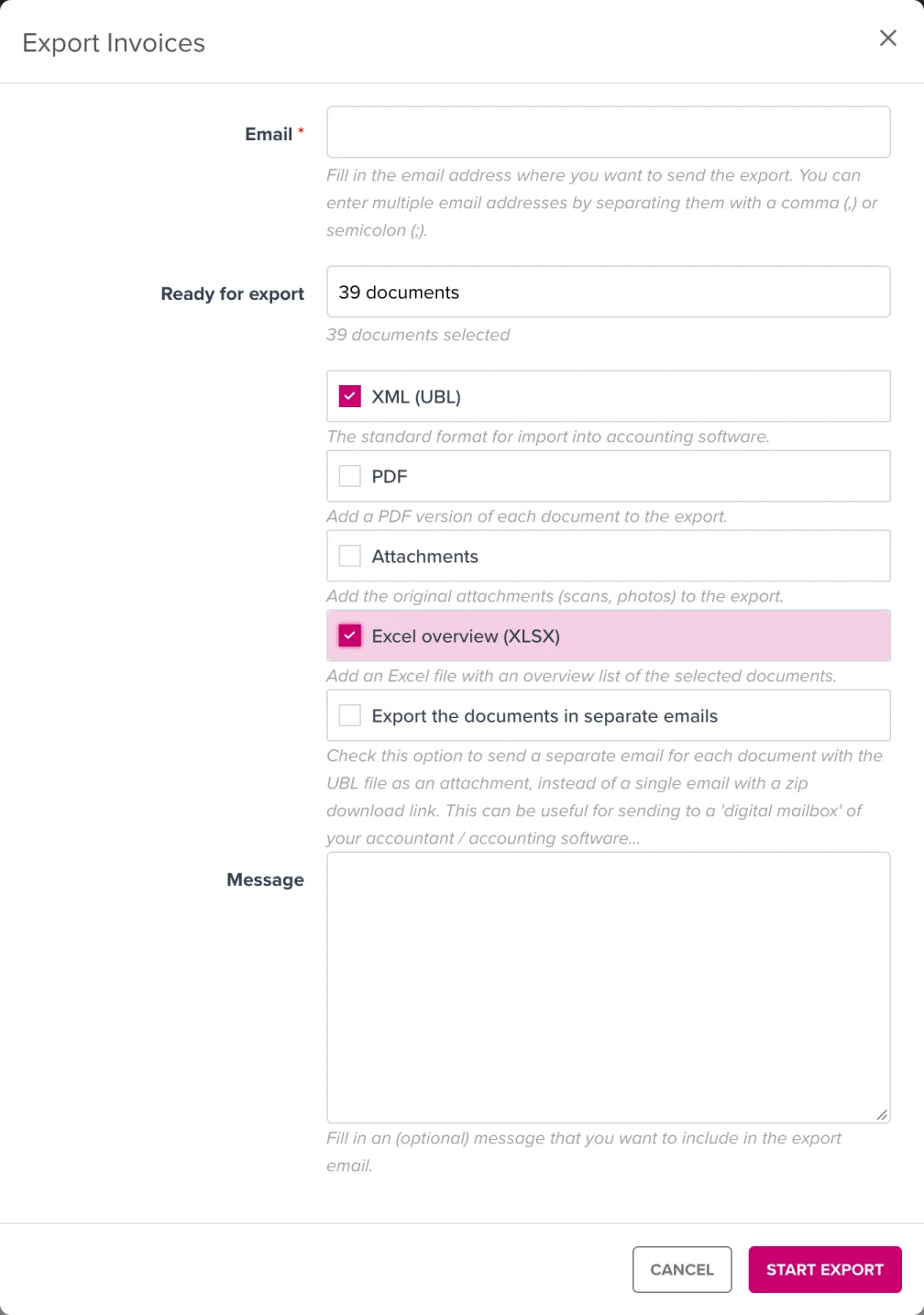
You will then receive an email with a download link to the zip file.
Note: The download link remains valid for 48 hours. After that, the zip file is automatically deleted. So download your export right away and store the file in a safe place.
The same export option also exists for credit notes and expenses. Useful for your accountant: you can enter your accountant’s email address, or choose separate emails per document with the UBL file attached (for a digital mailbox of your accounting software).
You can also export your master data as an Excel file (.xlsx):
Do you have questions about your data or would you like guarantees about retention? Contact our support team, we are happy to assist!
