Are you exempt from VAT as a small business and want to set this up correctly? Follow the steps below to ensure that your invoices meet the legal requirements.
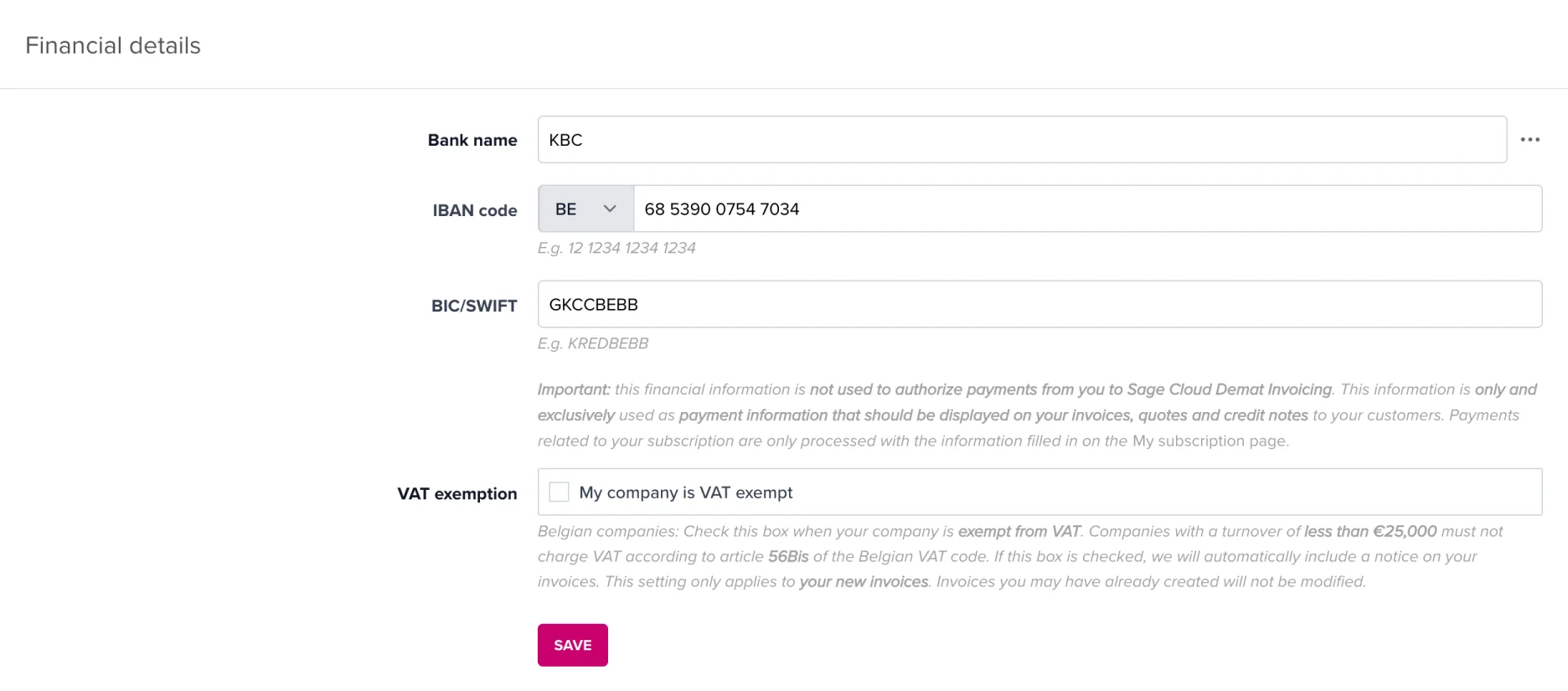
No, the exemption applies to your entire business. New invoices will automatically be created without VAT. Do adjust your recurring invoices, though (or create them again): otherwise they will keep generating invoices with VAT.
Adjust your VAT regime again in the settings. Also adjust your recurring invoices (or create them again): otherwise they will keep generating invoices without VAT.
Do you have any questions? Feel free to contact our support team.
